 Curealo
Tools
Four tools. One account. Every one works with the others.
Make a picture and use it as a reference in a video. Write a voiceover and lay it under a Director video. Everything you make stays in your library, ready to reuse.
Direct a whole video from one idea.
Write one line. Director plans the scenes, picks camera moves, sets up the cast and places, and makes every scene at once. Then you edit, swap takes and download one finished video.
- Ads, stories, explainers, music videos and shorts
- Up to three minutes, in 9:16, 1:1 or 16:9
- A cast and places that stay the same in every scene
- Three reference picture options for 2 credits
- Every scene made at once; keep the take you like
- See each scene's opening still before it's filmed
- A narrator in the voice you describe, and music that dips under speech
- Writing help: rewrite a scene or give a director’s note
About 117 credits for four 5-second high-quality scenes, including the export.

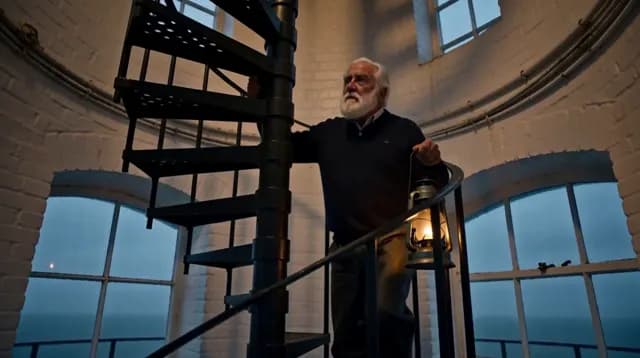
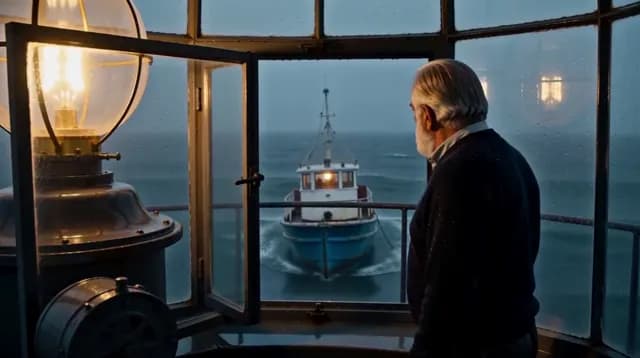
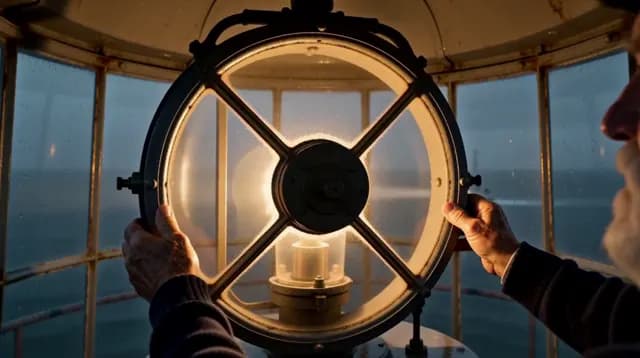
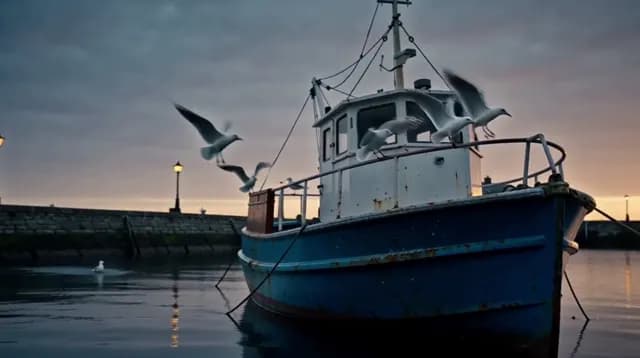
Video
Animate a single shot.
Describe a moment, choose how the camera moves, and get a shot of up to 15 seconds. Add reference pictures to keep a face, a product or a place the same.
A 4-second standard shot is 14 credits; 5 seconds at high quality 28.
Image
Make a picture.
Portraits, products, places and posters from a single line, square, portrait or wide. Use any picture as a reference in a video or a Director cast.
1 credit at standard quality, 3 in HD.





Voice
Give it a voice.
Paste a script of up to 2,000 characters, choose a voice or describe your own, and get a natural voiceover as a WAV file, voiced by MiniMax H3. Lay it under a Director video, or download it on its own.
About 8 credits for 500 characters; at most 32.
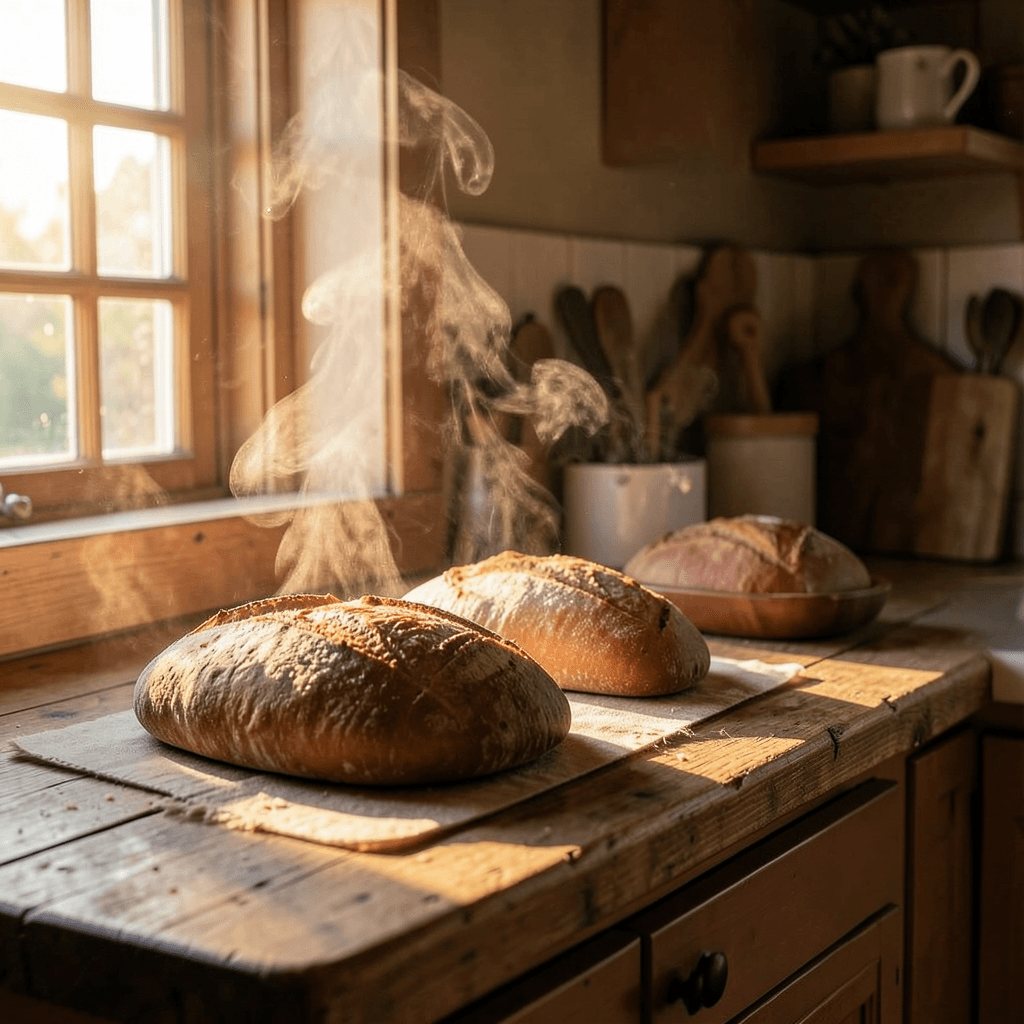
“Flour, water, yeast and time. That is all bread needs. As the yeast feeds, it breathes out tiny bubbles of gas, and the dough slowly rises.”
Made in Curealo, voiced by MiniMax H3. Pick one of our voices or describe the voice you want.
Every tool is in every plan.
Plans differ only in how many credits you get. See pricing.